

- This event has passed.
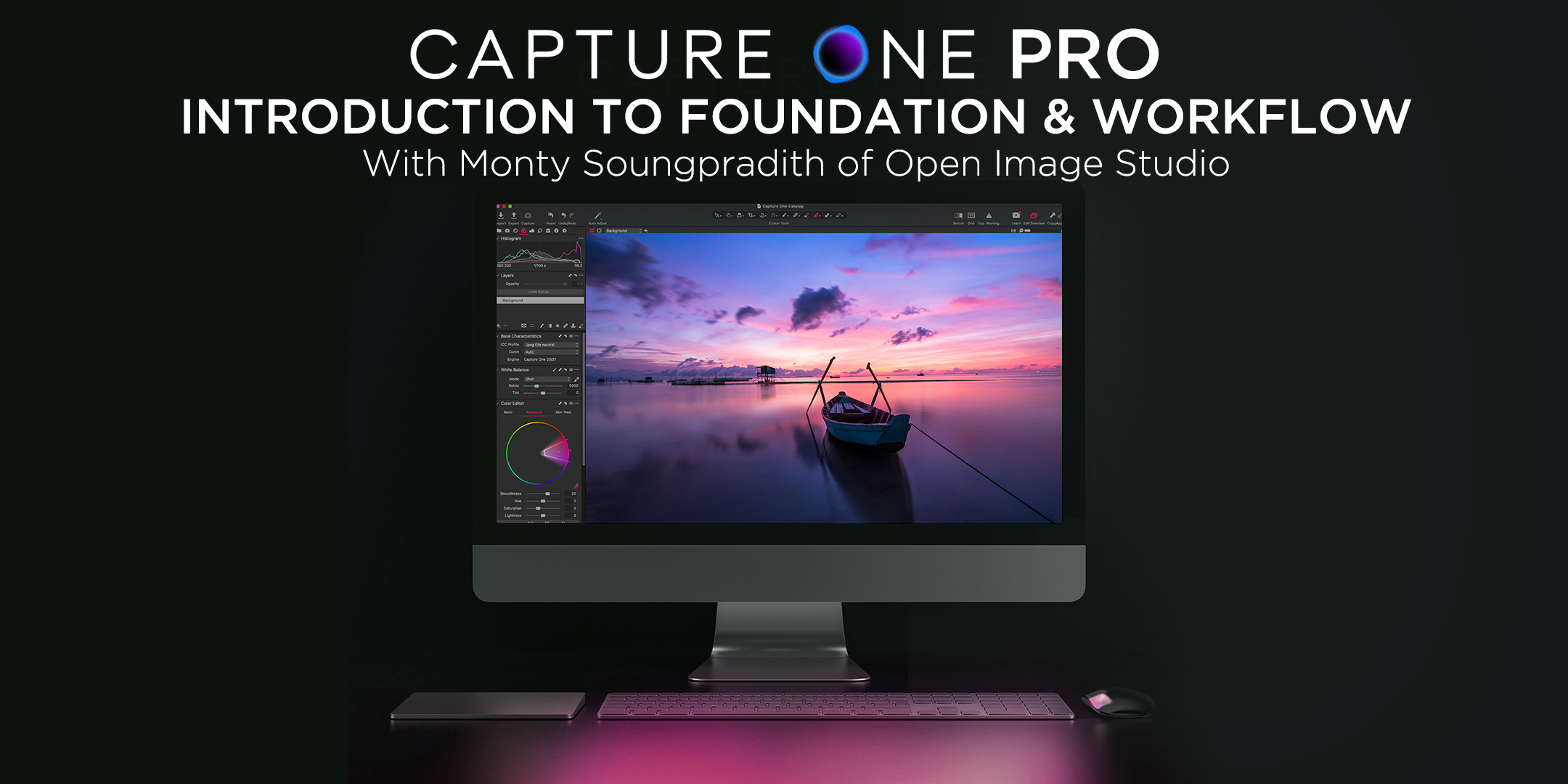
Capture One Pro: Introduction to Foundation & Workflow with Monty
Instructor:
Monty Soungpradith
Open Image Studio – openimagestudio.com
WHAT YOU’LL LEARN:
- Interface overview
- How to setup and organize your hard drive for Capture One
- Basic foundation and worklfow
- Basic functions Image editing in Capture One
- Post-processing techniques using styles and presets
REQUIREMENTS:
We’ll cover everything you need to know in Capture One, but it would be helpful if you’re familiar with RAW processing and editing. Basic understanding of Capture One or similar RAW editor. Be sure to have Capture One installed and functioning on your computer. Not sure you want to buy yet? No problem, you can download a free trial from Capture One here.
DESCRIPTION:
This is a comprehensive 101 level course designed for photographers and retouchers to learn the most powerful RAW processing & post-production worklfow application available today. Capture One Pro is highly regarded as an industry-leading software and continues to provide professionals and enthusiasts with the best tools to take their images to the highest quality possible.
Whether you’re new to photography or an established professional, Capture One has professional-level tools that can help you improve your photography worklfow.
Learn all the Ins & Outs of the creative tools and processes in Capture One. You’ll learn the advantages and disadvantages of the tools Capture One provides and learn how to achieve more control over your image editing process.
Along the way, you will also learn how to create highly organized digital filing systems for your RAW images and final file exports.
THIS COURSE IS FOR YOU IF:
- You are looking for a way to organize and edit your photos with professional-level tools
- You are looking for alternatives to Adobe Lightroom
- You are wanting to level up your photo editing skills
Some topics we’ll cover are:
CAPTURE ONE BASICS:
- Basic digital asset organization
- Getting started and familiarize yourself with Capture One’s interface
- Interface customization
- Migrating from Lightroom or starting new
- Learning about how Capture One works with catalogs
- Speeding up your worklfow with Capture One’s styles
PHOTO EDITING IN CAPTURE ONE PRO:
- Using professional-grade color correction tools
- Cropping and straightening photos
- Working with development panels
- Working with layers
- Batching
- Exporting